How to solve: ManagedImport failing to load / Refused to load frame
You may see that the ManagedImport component fails to load, and a message is printed to the page’s log stating that it has refused to load a frame.

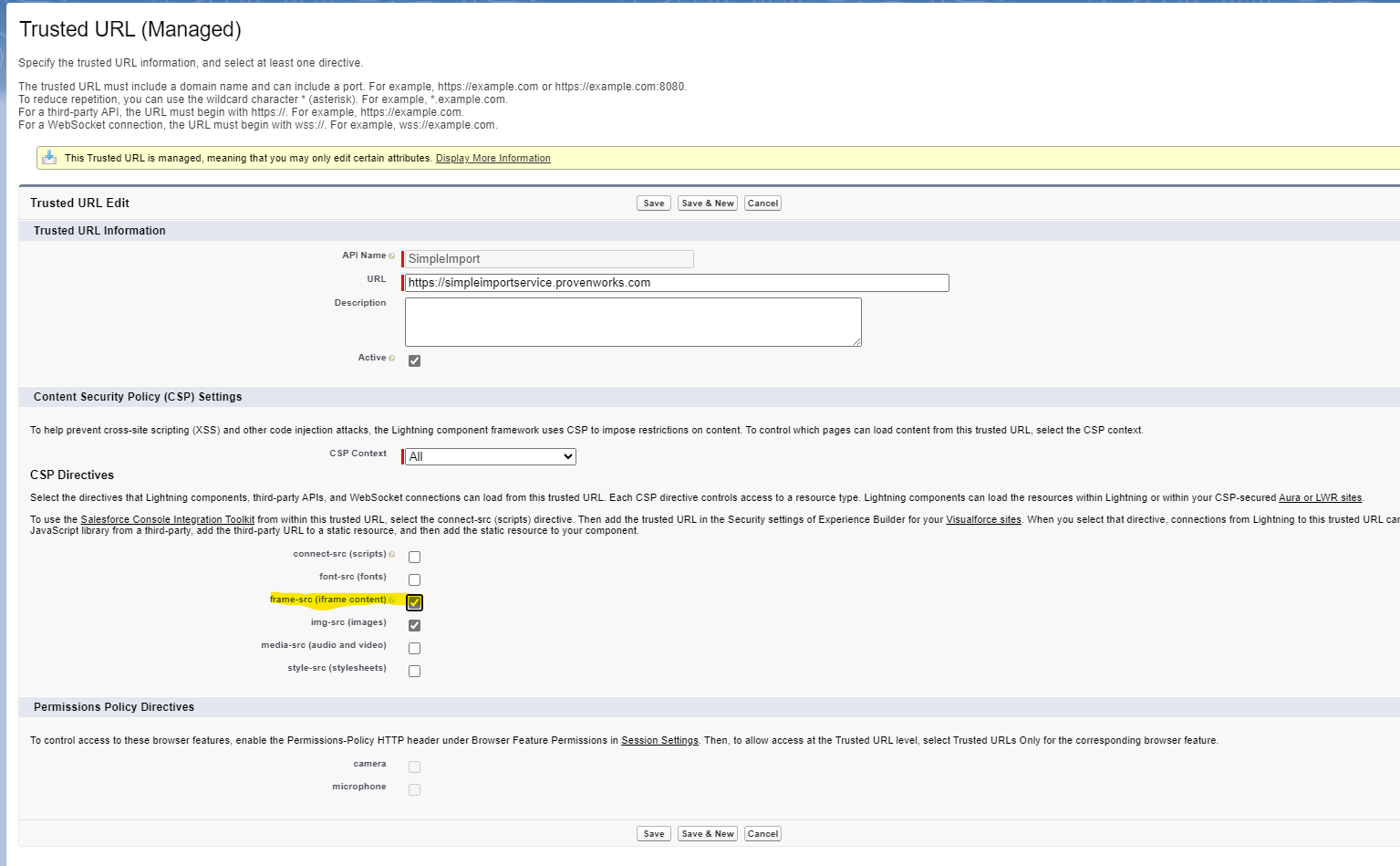
This can be resolved by heading to Setup > Trusted URLs, finding the entry for SimpleImport and enabling the ‘iframe-src’ directive.
Related posts
-
We’re always striving to improve our solutions for you, and we’re excited to bring you a new release. Introducing SimpleImport…
-
Salesforce Ben has published their review of SimpleImport, our data import solution for Salesforce! 🚀 Andreea Doroftei, writer for Salesforce…
-
It is not possible, with standard Salesforce functionality, to allow digital experience users to import data to Salesforce. Impowr is…


