PhoneTools: Choose which services to screen against
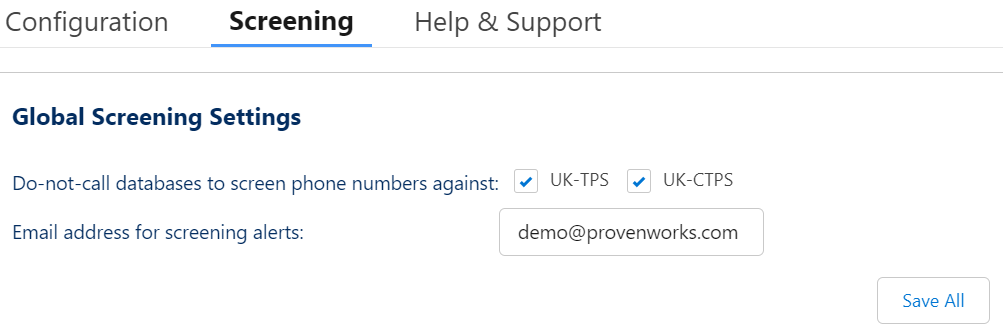
The fields are now configured with PhoneTools for screening and it’s now time to choose which service(s) to enable screening functionality against.
- Go to
App Launcher | PhoneTools Administration.
- Navigate to the
Screening tab.
- Select
UK-TPCS and/or UK-CTPS.
- Enter an admin’s email address into
Email address for screening alerts.
- Select
Save All.
Back to the PhoneTools (v2.4 onwards) installation walkthrough
Related posts
-
PhoneTools screens telephone numbers stored in your Salesforce org against the UK Telephone Preference Service (TPS) and corporate TPS (CTPS)…
-
The PhoneTools Trialforce org gives you a way to explore all the features of PhoneTools without the needing a custom…
-
Now you have installed the PhoneTools Trialforce org, have a go at the following tasks to get to know the…


