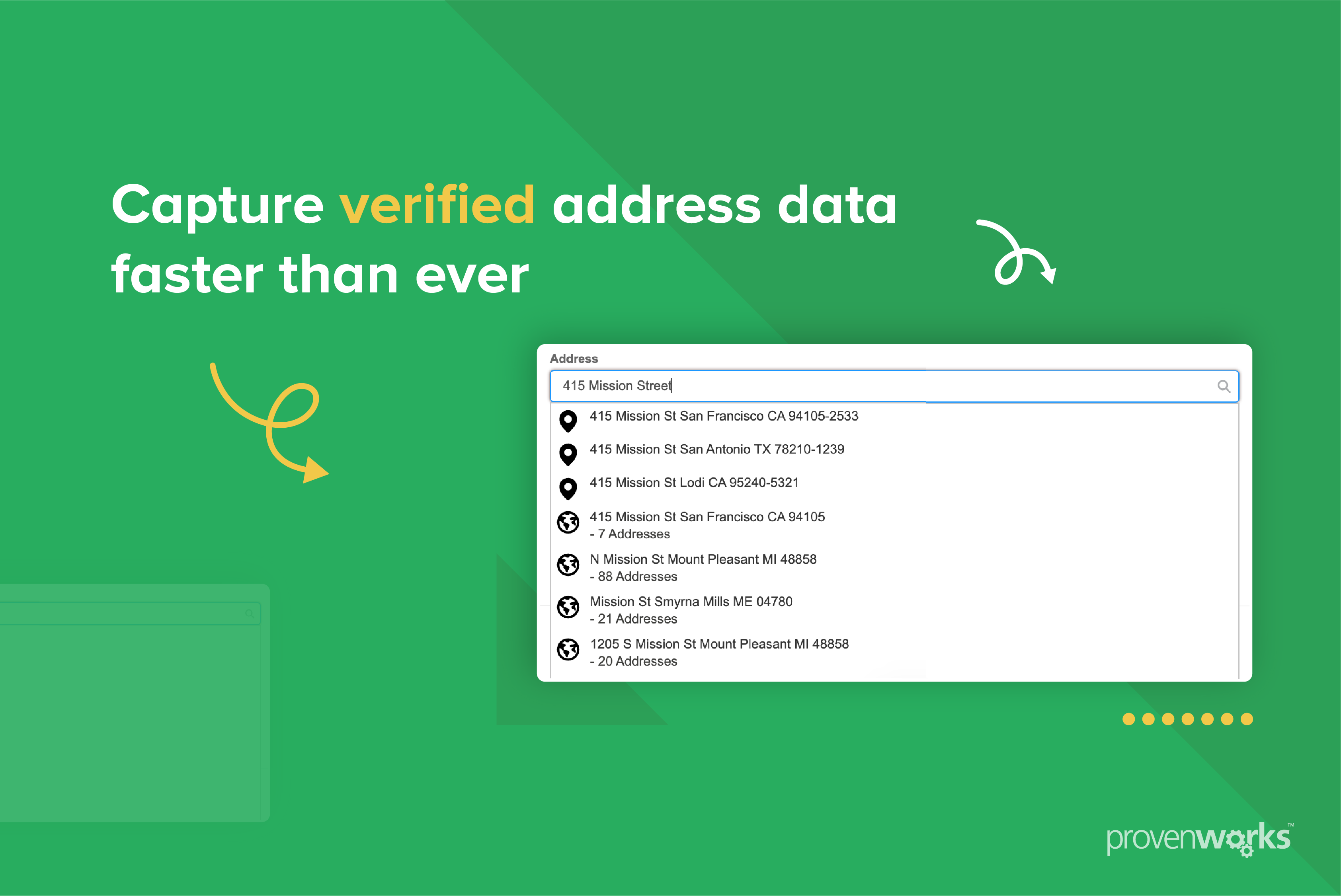
Reducing manual data entry results in better user adoption, less friction for prospects and overall a better user experience.
In this example we are going to create a Salesforce flow that will fetch the State value from an entered US ZIP Code and populate the address’ state field. This removes the (often neglected!) requirement for end users to enter a State value at point of record entry. The ZIP Code data is part of AddressTools Premium which is available on the AppExchange.
Follow along with our step-by-step guide by installing a free two-week free trial of AddressTools Premium.
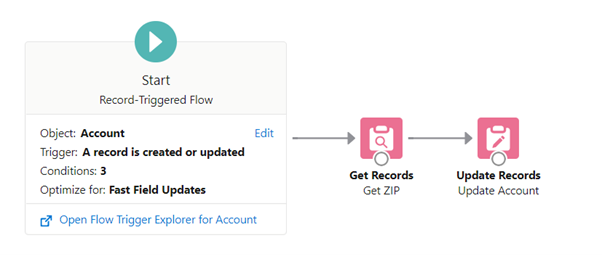
Create a flow to automate State population
- Go to
Salesforce Setup | Flow. - Select
New Flow. - Choose
Record-Triggered Flow. - Search and select the object that you are configuring the process for.
- Set
Trigger the Flow WhentoA record is created or updated. - Select
Done.
Set entry conditions.
- Condition requirements
All Conditions Are Met (AND) pw_ccpro__BillingCountryLookup__cEqualsUnited StatesBillingStateIs NullTRUEBillingPostalCodeIs NullFALSE- When to Run the Flow for Updated Records
Every time a record is updated and meets the condition requirements - Optimize the Flow For
Fast Field Updates

The flow will now be ready to start adding elements to.
- Select
Get Recordsand drag it under the Start element - Label
Get ZIP - Object
ZIP Code
Set entry conditions.
- Condition requirements
All Conditions Are Met (AND) NameEquals{!$Record.BillingPostalCode}- How Many Records to Store
Only the first record - How to Store Record Data
Automatically store all fields

Add another element.
- Select
Update Recordsand drag it under the Get Records element - Label
Update Account - How to Find Records to Update and Set Their Values
Use the account record that triggered the flow - Set Filter Conditions
None-Always Update Record
Set Field Values for the Account Record.
- BillingState
{!Get_ZIP.pw_ccpro__State__r.Name}
Make sure the elements are connected and Activate your flow.
Before:

After:

How can I run this for my historic data?
If you have existing records in Salesforce that you want to run this logic for check out our guide on how to run a mass update using Salesforce Flows.

Book a Demo
Got questions? Chat to us!
Do you want to learn more about how AddressTools could be a great addition to your Salesforce org? We’d love to chat! Use the scheduler to book a free call with our team and start your journey to better address data.
Can’t find a time that works for you or would rather email first? Fill out our contact form at the and we’ll get back to you as soon as we can.