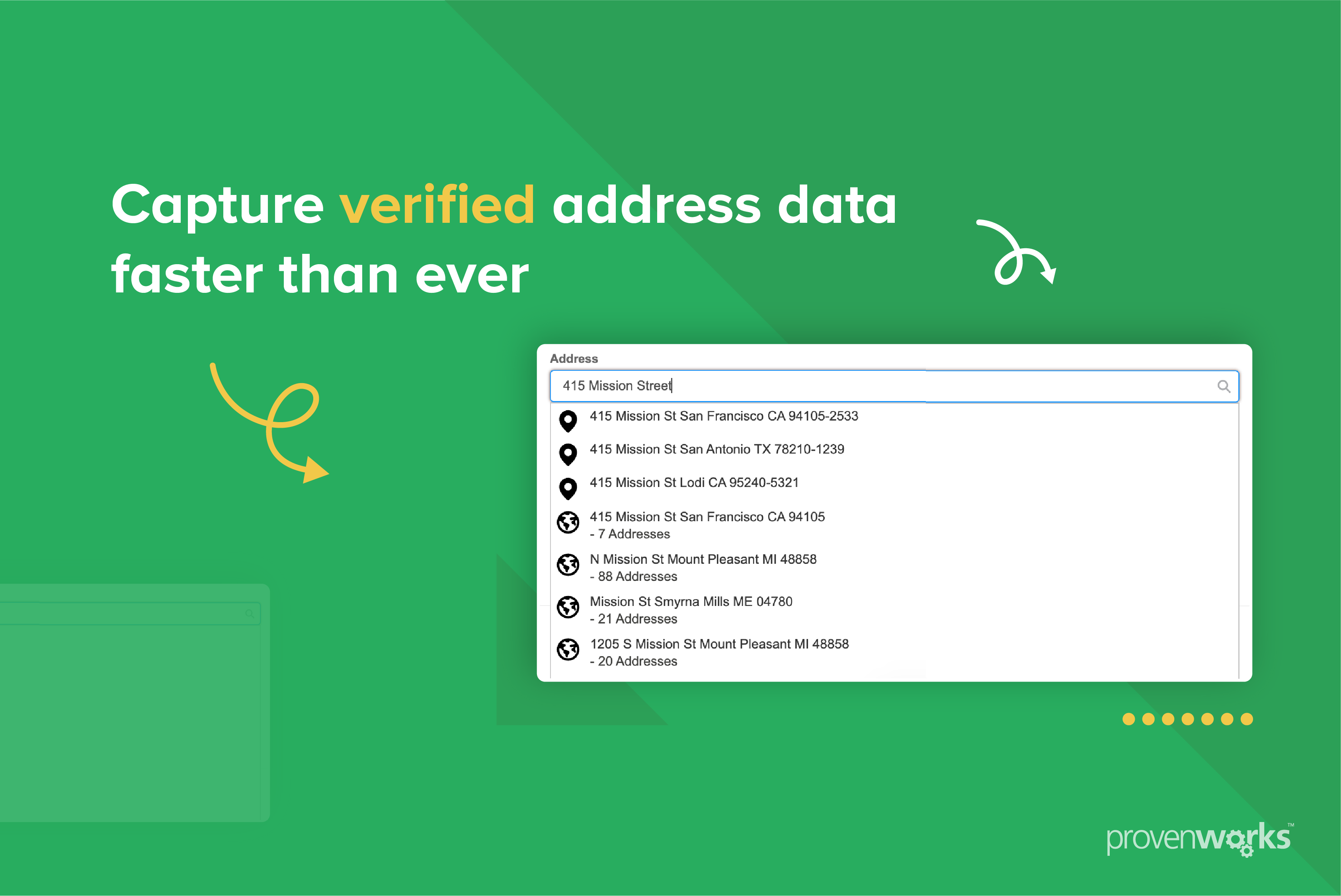
pw_ccpro-powersearch-core is a packaged AddressTools typeahead Lightning Web Component that lets a user search for
a verified address and select it. This guide covers embedding it inside your own Screen Flow.
Prerequisites
The following must be true in the org for your Screen Flow to work during run time.
| Requirement | Why |
|---|---|
| AddressTools installed and configured | The component reads its service configuration from AddressTools settings. Without it, the load error state is shown. |
| Running user has an AddressTools licence | Managed package licences are allocated per user. |
Running user has AddressToolsPremiumStdUser (or equivalent) |
Grants access to the pw_ccpro__ Apex classes and reference data the component queries. |
A custom permission set must be created and assigned to Experience Cloud users if needed.
Adding the component to a Screen Flow:
- Navigate to Flows in Salesforce Setup
- Open an existing Screen Flow by double-clicking it or create a new one by selecting New Flow and choosing Screen Flow from Screen Automations or Frequently Used.
- Select an existing Screen element from the flow or click + and add a Screen element to the flow.
- Search for PowerSearch in the component search bar.
- Drag the PowerSearch Core component or click the component to move it into the element.
- Fill in the properties that meet your desired requirements. Property definitions are tabulated in the section below.
- After completing the setup steps, save the flow.
The PowerSearch Core component is now available in your Screen Flow.
Referencing Outputs:
To reference an output variable from the PowerSearch Core component, use the format {!ComponentApiName.variableName}.
For example, {!powerSearchCore.country} returns the selected address country when the component API name is
powerSearchCore.
Properties
Input Properties:
| Property | Description |
|---|---|
| Address input | Text placed in the search field on load. A non-empty value runs that search straight away and opens the search results. |
| Auto-advance | Allows the user to move to the next Flow Screen when an address is selected. |
| Allowed country codes | Comma-separated ISO-2 codes. Limits every search to these countries and supplies the dropdown contents when Enable country filter is true. Leave blank to search all countries. |
| Enable country filter | Shows a country dropdown to restrict searches. Offers every country globally unless Allowed country codes narrows the list. Defaults to false. |
| Field label | The label shown above the search field. Leave blank for the component’s own translated label. |
| Initial country code | Has no effect unless country filter is enabled. ISO-2 code identifying the country pre-selected in the country filter on load. Must be one of allowed country codes. |
| Placeholder text | Hint text shown inside the search field while it is empty. Leave blank for the component’s own translated placeholder. |
| Preferred country code | ISO-2 code. Prioritises search results from that country, including when the country filter is set to All countries. Also, pre-selects it in the country filter when initial country code is not set. |
| Required | Requires the user to select an address before continuing in a Flow Screen. |
Configuration warnings
The component shows a warning panel above the search field when:
- an entered ISO code is not a recognised country code.
- a specified country does not exist in the org’s Countries object.
- Initial country code is not one of the configured Allowed country codes.
Warnings are displayed to the user rather than thrown or dispatched, so there is nothing for your wrapper to catch.
Outputs:
| Field | Description |
|---|---|
| administrativeArea | Administrative county or equivalent area. |
| buildingName | Building name. |
| buildingNumber | Building or premise number. |
| countryIso2 | Uppercase ISO 2-letter country code returned by the service, such as GB or US. |
| country | Country display name, resolved from AddressTools reference data and honouring alternative country name mappings. Falls back to the ISO 2-letter code when the country cannot be resolved. |
| dependentLocality | Dependent locality or district. |
| dependentThoroughfare | Secondary or dependent street name. |
| formattedAddressLabel | Complete address display label, formatted to the country’s postal specification. |
| formattedStreet | The complete street address line, such as 10 High Street, assembled from the address components that typically make up a delivery address line. Multi-line street data is joined with newlines. |
| geocodeAccuracy | Reserved for future use. |
| latitude | Latitude. |
| longitude | Longitude. |
| organisationName | Organisation or company name. |
| postTown | Post town or city. |
| postcode | Postcode / ZIP Code. |
| propertyUse | Address-use classification such as Residential, Commercial or Mixed. |
| state | Largest administrative division, such as a US state or Canadian province. Empty where a state is not mandatory and would duplicate the city. |
| subBuildingName | Flat, unit, or other sub-building name. |
| thoroughfare | Street name only, such as High Street. |