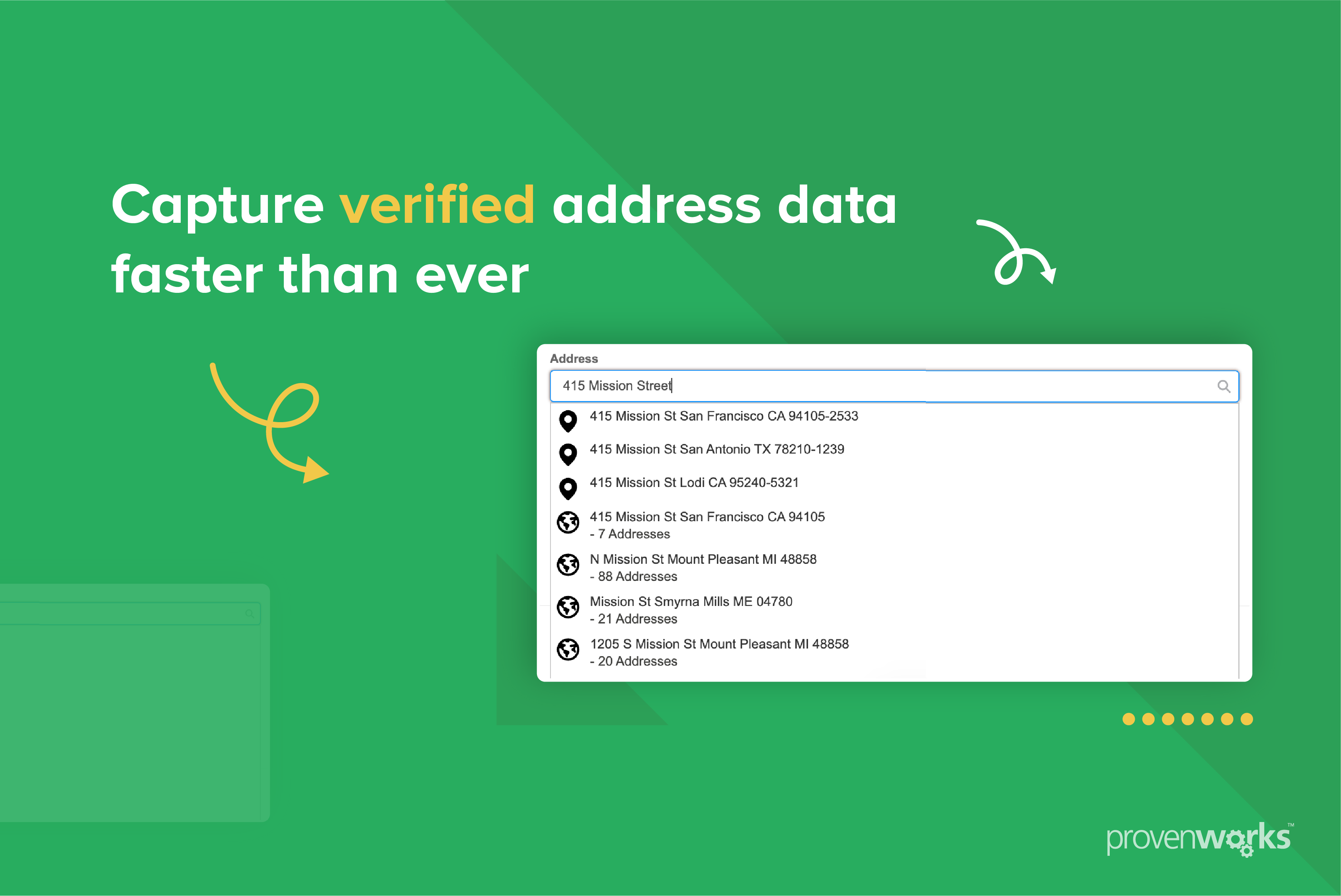
This typically occurs when the United States country setting is configured to use state names instead of codes, or when state standardization isn’t enabled for the address block.
How to fix it?
- Set the United States to use ISO state codes at the country level.
- Turn on Standardize State for the specific address block.
Step-by-step resolution guide:
1. Configure the country to use ISO codes for states.
- Go to AddressTools | Countries.
- Select All and find the relevant country from the list (United States).
- In Preferences, select Use Subcountry Code in State field and save.

2. Enable standardization on the address block.
- Go to AddressTools Administration | Address Blocks.
- Click Edit next to the relevant object’s address block.
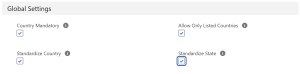
- In Global Settings, check Standardize State and save.
If you are still experiencing issues and need assistance, contact support@provenworks.com.